Find a locker
map
To open and close the lockerSPACER application must be downloaded.

To open and close the lockerSPACER application must be downloaded.
How to use the locker
guide
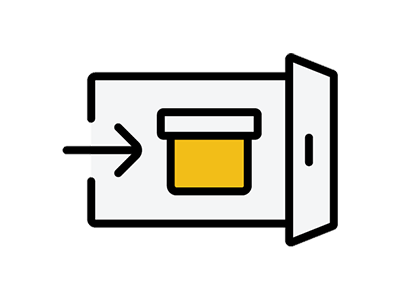
leave (a child) in the care of
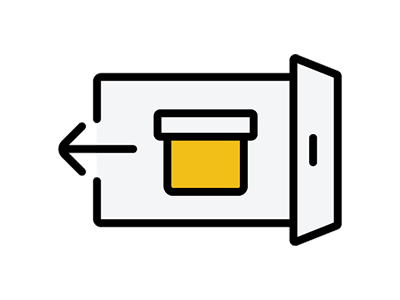
take out
Share
reserve
leave (a child) in the care of
take out
Share
Make a reservation
If you are in need of help, please contact
contact
:レシートは出ないですか?
レシートは出ません。預け入れ時にかざしたカード、または端末が鍵になります。
取り出す際に使用しますので、無くさないようご注意ください。
:荷物は何日間預けられますか?
最大96時間(4日間)です。
:一度支払えば、ロッカーは何度でも開け閉めできますか?
できません。ロッカーは1回の利用(1会計)につき1回の利用です。
再度利用する場合は、新たに会計が必要です。
:利用開始から96時間以上経過した荷物はどうなりますか?
回収されます。
お引き取り希望の場合は4日間のロッカー料金と手数料5,000円をお振り込みいただき、着払いにて発送いたします。
Please contact our call center (0120-130-180) for further information.
:予約の料金はいくらですか?
事前にロッカーを確保したい場合(予約)は、1日利用券を購入することで可能です。
1日利用券の料金はロッカーごとに異なり、購入時にご確認いただけます。
購入後24時間以内に利用開始でき、荷物を預けてから24時間は追加の料金はかかりません。
24時間経過後は追加料金が発生します。
購入後24時間以内に利用開始されない場合、利用券は失効します。
Can I cancel my reservation?
事前にロッカーを確保するために、1日利用券をご購入いただいた後で、キャンセル・返金はできませんのでご了承ください。
How do I share a key?
You can share your key from My Locker in the SPACER application by following the steps below.
Tap [Share Key].
Tap [Copy URL
3. Share URL via email/SMS/Messenger/Line, etc.
4.公的身分証での本人確認が必要です。
※住所変更など情報が変更されている運転免許証を公的身分証に使った場合、スムーズに本人確認が出来ない可能性があります。
: Is there only one person who shares the key?
No. The key can be shared by any number of people. You can share the key with any number of people. You can share a key with multiple people, and the first person to arrive at the locker can unlock it. (Also, the last person to open and close the locker will be logged, so you don't have to worry.
How do I use a shared key?
Shared keys can be used by following the steps below.
Download and register the SPACER application
2. Tap the URL sent to you.
Tap [Confirm
4.公的身分証での本人確認が必要です
5.鍵が共有されたので[閉じる]をタップ
6.[ロッカーを開ける]をタップ ※決済が必要な場合は[決済してロッカーをあける]をタップ
7.ロッカーが検出中の為、画面遷移するまで待機
8.[スライドして開ける]でロッカー解錠
9.扉を開けて荷物を取り出す
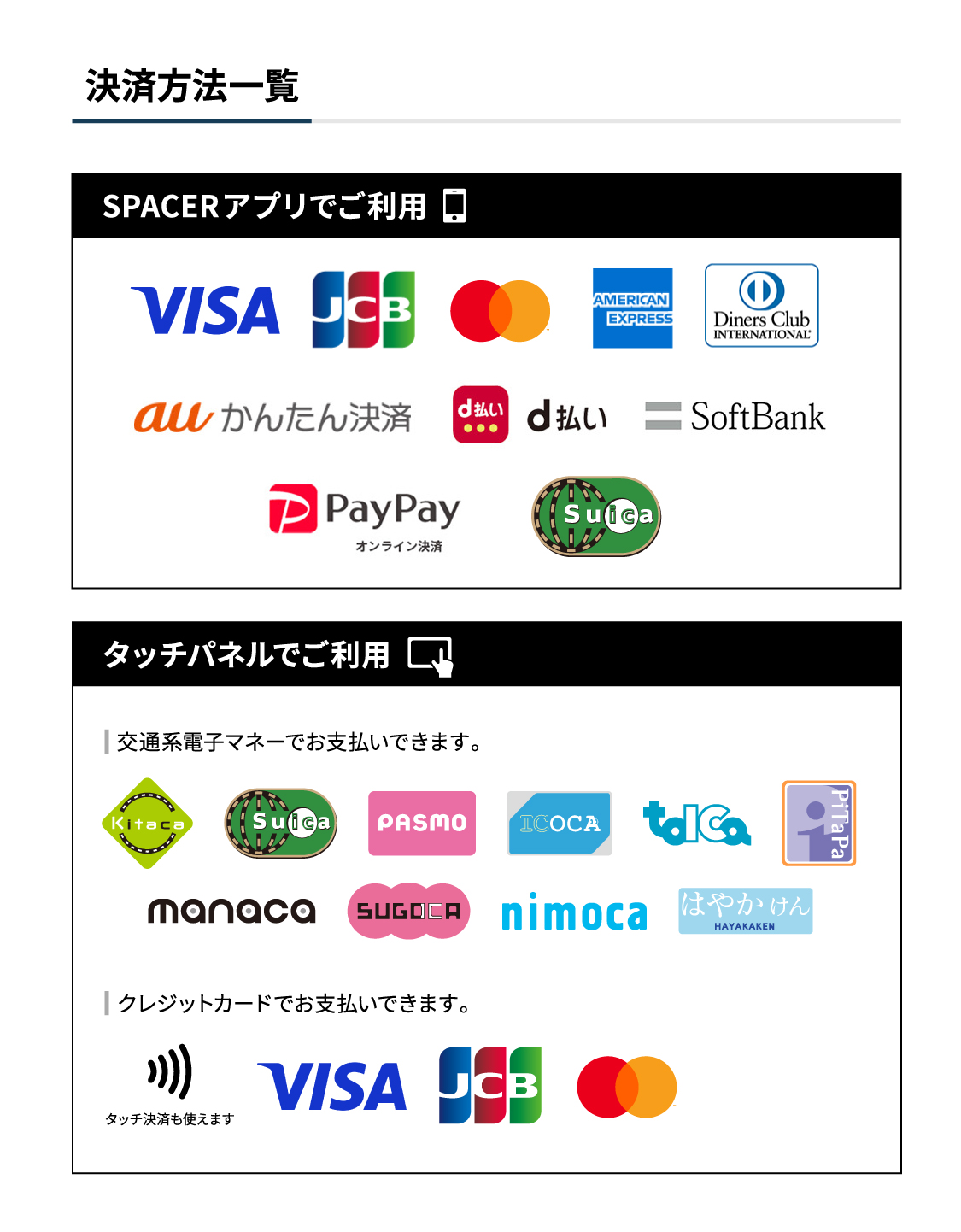
What payment methods are available?
This is a completely cashless payment system and cash is not accepted.
 English
  日本語
日本語  한국어
한국어  简体中文
简体中文  繁體中文
繁體中文  香港中文
香港中文